
Introduction
Every day we browse countless web pages, but most of us never realize how easy it is to modify the appearance and content of those pages right from our own browser. Whether you want to test a design tweak, debug a layout problem, or simply experiment with a site’s look, modern browsers provide powerful tools that let you edit any page on the fly. In this article we will walk through the essential steps: from opening the built‑in developer console, to making live changes in the Elements panel, leveraging extensions for more permanent edits, exporting the altered page, and finally adopting best practices that keep your modifications safe and ethical. By the end, you’ll be equipped to transform any web page instantly, without writing a single line of code beforehand.
Understanding Browser Developer Tools
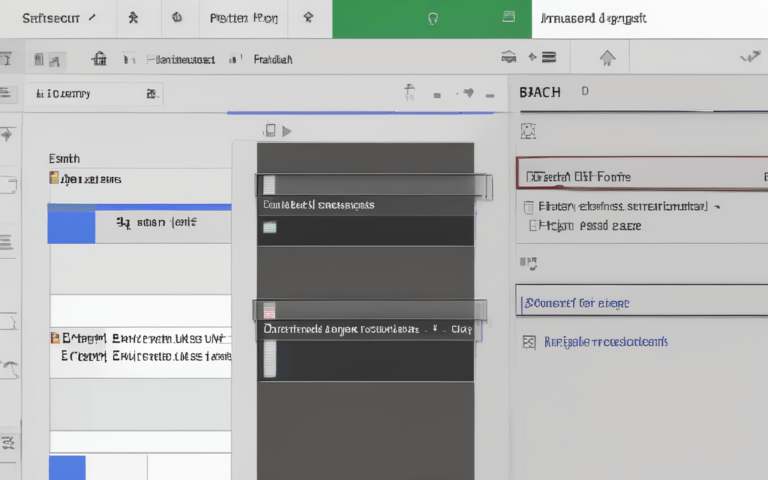
All major browsers—Chrome, Firefox, Edge, and Safari—include a set of developer tools that can be opened with F12 or Ctrl+Shift+I. These tools are divided into panels such as Elements, Console, Network, and Sources. The Elements panel displays the live DOM tree, letting you inspect and edit HTML tags, attributes, and inline styles directly. The Console lets you run JavaScript on the page, while the Sources panel shows the original CSS and JavaScript files, enabling you to locate the exact rule you want to modify. Familiarizing yourself with these panels is the first step toward confident, on‑the‑fly editing.
Live Editing with the Elements Panel
Once the developer tools are open, click any element in the Elements pane or use the Ctrl+Shift+C picker to select it on the page. You can double‑click a tag, attribute, or style value to edit it in place. Adding a new CSS rule is as simple as clicking the + icon in the Styles sidebar and typing the selector and properties you need. Changes appear instantly, letting you experiment with layout, colors, fonts, or even textual content. Because the edits are applied to the in‑memory DOM, they disappear when the page reloads—perfect for testing ideas without affecting the original site.
Using Browser Extensions for Persistent Changes
For edits you want to keep across page reloads, browser extensions such as Stylus, User JavaScript and CSS, or Tampermonkey provide a more permanent solution. These tools let you write custom CSS or JavaScript that runs automatically whenever the target URL loads. For example, with Stylus you can create a style rule that hides a distracting banner, while Tampermonkey scripts can inject new HTML elements or modify existing ones. Extensions store your code locally, so the modifications persist without altering the original source files, making them ideal for personal productivity tweaks or accessibility improvements.
Saving and Exporting Modified Pages
After perfecting a layout, you may want to share or archive the edited version. Most browsers allow you to Save As… (Ctrl+S) which writes the current DOM and any inline styles to an HTML file. For a more complete snapshot—including external CSS, images, and scripts—use the “Save complete page” option or a dedicated extension like SingleFile. These tools bundle all resources into a single HTML document, preserving your live edits for offline viewing or distribution. Remember to test the saved file in a fresh browser window to ensure all modifications were captured correctly.
Best Practices and Ethical Considerations
While editing pages in the browser is powerful, it should be done responsibly. Never use client‑side modifications to mislead users, inject malicious code, or violate a site’s terms of service. For developers, keep a record of the changes you test—using comments in custom CSS or scripts—so you can reproduce them later. When sharing edited pages, clearly label them as “modified” to avoid confusion. Finally, use these techniques primarily for personal learning, debugging, or accessibility enhancements, and always respect the intellectual property and privacy of the original content creators.
Conclusion
Editing any web page directly in your browser is no longer a hidden trick reserved for seasoned developers; it is a readily accessible skill that empowers anyone to experiment, debug, and personalize the web experience. By mastering the built‑in developer tools, leveraging extensions for persistent changes, and learning how to save your work, you gain full control over a page’s look and behavior without altering the source server. At the same time, adhering to best practices and ethical guidelines ensures your modifications remain constructive and respectful. Armed with these techniques, you can turn every browsing session into a sandbox for creativity, testing, and learning—making the web a more adaptable and user‑friendly space for yourself and others.