
Introduction
Keeping an eye on a diversified stock portfolio can feel overwhelming, especially when you rely on multiple broker dashboards and manual spreadsheets. Fortunately, Google Sheets offers a powerful, low‑cost solution that turns a simple spreadsheet into a live portfolio tracker and a daily briefing service sent straight to your inbox. In this article we will walk through the step‑by‑step process of building a robust sheet, importing live market data, calculating key performance indicators, and finally automating a customized email report that arrives at a pre‑set time each day. By the end, you’ll have a fully automated system that saves time, reduces errors, and gives you instant insight into how your investments are performing.
Setting Up the Spreadsheet
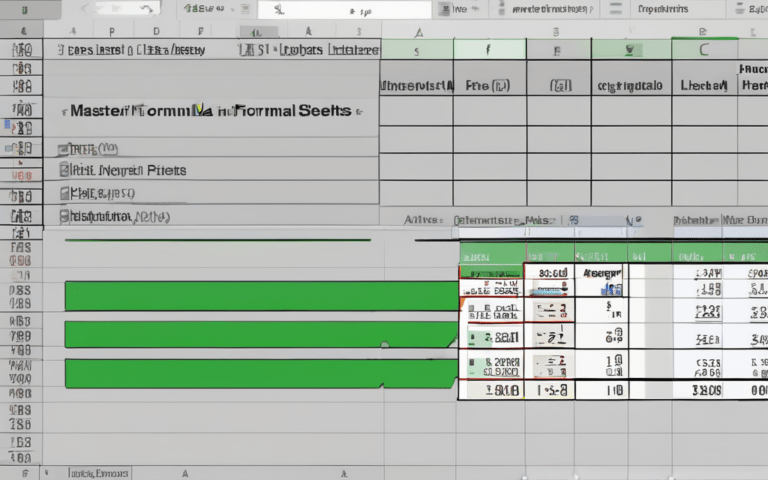
The foundation of any automated tracker is a clean, well‑structured sheet. Begin by creating a new Google Sheet and label the first tab Portfolio. In column A list each ticker symbol (e.g., AAPL, MSFT), and in column B record the number of shares you own. Column C can hold the purchase price per share, while column D will later display the current market price. Adding a header row with bold formatting makes the layout easy to read. It’s also wise to freeze the header (View → Freeze → 1 row) so it stays visible as you scroll through long lists of holdings.
Pulling Real‑Time Data with GOOGLEFINANCE
Google Sheets includes the GOOGLEFINANCE function, which fetches live market data directly into your cells. In column D, enter a formula such as =GOOGLEFINANCE(A2, “price”) and drag it down to populate all rows. You can also pull additional attributes—like daily change, market cap, or 52‑week high—by adjusting the second argument of the function. Because the data refreshes automatically (approximately every two minutes), your sheet always reflects the latest market conditions without any external API keys or subscriptions.
Calculating Portfolio Metrics
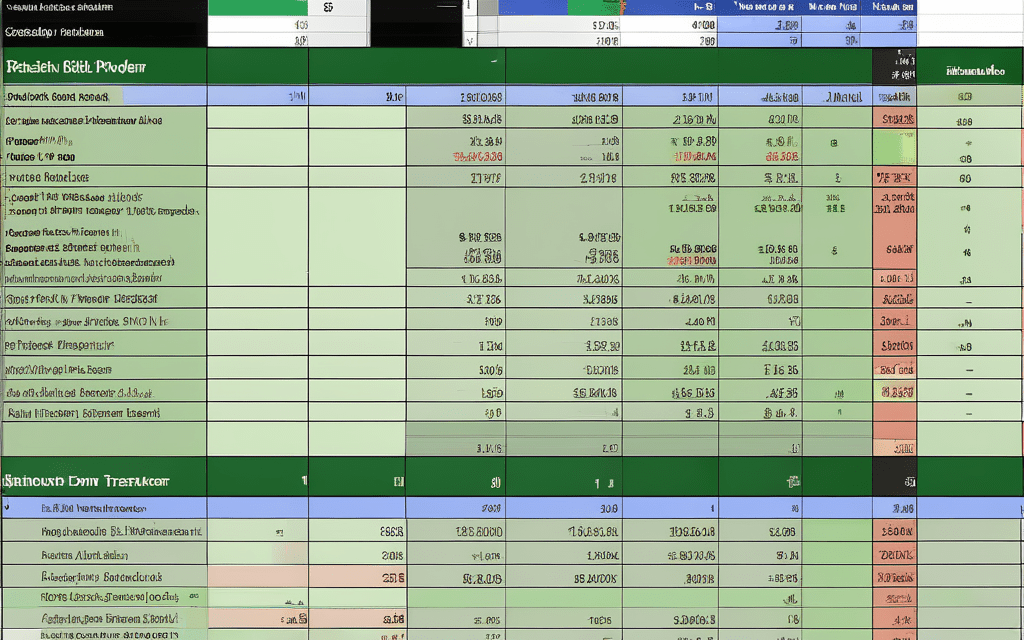
With live prices in place, the next step is to turn raw numbers into actionable insights. In column E, compute the current value of each position using =B2*D2. Column F can show the total cost (=B2*C2), and column G the unrealized profit or loss (=E2-F2). Summarize the entire portfolio at the bottom of the sheet with SUM formulas for total cost, total market value, and total P/L. For a more nuanced view, add a weighted‑average return column or a conditional formatting rule that highlights positions with losses greater than 5 % in red and gains above 5 % in green.
Automating Daily Email Reports with Apps Script
Google Apps Script lets you turn the spreadsheet into a scheduled email service. Open Extensions → Apps Script and paste a script that reads the summary rows, formats them into an HTML table, and sends the message using MailApp.sendEmail(). Example snippet:
- function sendDailyReport() {
- var sheet = SpreadsheetApp.getActiveSpreadsheet().getSheetByName(‘Portfolio’);
- var data = sheet.getRange(‘A1:G’ + sheet.getLastRow()).getDisplayValues();
- var html = buildHtmlTable(data);
- MailApp.sendEmail({to: ‘[email protected]’, subject: ‘Daily Portfolio Snapshot’, htmlBody: html});
- }
After saving, create a trigger (Edit → Current project’s triggers) that runs sendDailyReport every day at your preferred hour. The result is a concise, beautifully formatted email that lands in your inbox each morning, giving you a snapshot of total value, daily change, and any alerts you defined.
Conclusion
By leveraging Google Sheets, the built‑in GOOGLEFINANCE function, and a modest Apps Script, you can transform a simple spreadsheet into a powerful portfolio monitoring system that works around the clock. The setup process—creating a clean layout, pulling live prices, calculating key metrics, and automating daily email reports—requires only a few minutes of initial effort but delivers continuous, hands‑free insight. This approach eliminates the need for expensive third‑party tools, reduces manual data entry errors, and ensures you stay informed about your investments the moment you open your email each day. Implement these steps today and experience the convenience of a personalized, automated stock‑tracking hub.